


Enseñar y aprender matemáticas de manera más inteligente
GeoGebra es más que un conjunto de herramientas gratuitas para hacer matemáticas. Es una plataforma para conectar a profesores y estudiantes entusiastas y ofrecerles una nueva forma de explorar y aprender matemáticas.

Recursos matemáticos recomendados:
Selección GeoGebra para grados de 4 a 8
Lo que ofrecemos
Recursos matemáticos
Nuestra nueva colección de recursos matemáticos de GeoGebra ha sido elaborada meticulosamente por nuestro equipo de expertos para los grados 4 a 8 (de 11 a 15 años, aproximadamente)

Calculadoras y aplicaciones matemáticas
Herramientas gratuitas para una experiencia interactiva de aprendizaje y evaluación. Disponible en todas las plataformas

Colaboración en Classroom
Lecciones interactivas de matemáticas con recursos GeoGebra disponibles. Integración con varios LMS compatibles

Math Solver
Toma una foto de tus ejercicios de matemáticas. Obtén soluciones con explicaciones paso a paso y practica problemas parecidos.
Comprobado por millones de profesores y estudiantes en todo el mundo

GeoGebra hace sencillo que el estudiante sea el verdadero protagonista de su aprendizaje.
Rafael
Profesor de matemáticas, Spain

Desde que uso GeoGebra en el aula los “no entiendo” y los “no lo veo” se han convertido en 'Ah, claro'
Pablo
Profesor de matemáticas, Spain

Es una excelente herramienta de enseñanza-aprendizaje, te ayuda hacer tus clases más dinámicas.
Yecenia
Docente de matemáticas, Columbia

Con GeoGebra, las matemáticas se vuelven emocionantes y accesibles.
Clara Regina
Profesor de matemáticas, México

GeoGebra es una herramienta poderosa que ayuda a la comprensión de conceptos matemáticos y de otras ciencias.
Daysi
Profesor de matemáticas, Peru
Profesores y Estudiantes
Haz matemáticas interactivas
Prueba nuestras actividades de exploración para descubrir conceptos matemáticos importantes, luego utiliza nuestras actividades de práctica para dominar estas habilidades.
Explorar recursosProfesores y Estudiantes
Explora las matemáticas con calculadoras gratuitas
Explora nuestras calculadoras fáciles de usar, que pueden utilizarse para incentivar el aprendizaje basado en el descubrimiento, centrado en el estudiante. Realiza cálculos para cualquier nivel de matemáticas, incluyendo 3D.
Iniciar CalculadoraProfesores
Involucrar a cada estudiante
Nuestra plataforma de aprendizaje en el aula, Classroom, permite a los profesores ver el progreso de los estudiantes en tiempo real y proporcionar respuestas individuales para una experiencia de aprendizaje personalizada. Ayuda a los profesores a fomentar la participación activa y la discusión.
Explorar ClassroomNuestra misión
Nuestra misión es brindar las mejores herramientas para que los docentes acompañen a los estudiantes en el desarrollo de su potencial. Vamos más allá de ser solo una colección de herramientas, nos esforzamos por conectar a personas apasionadas del mundo de la educación, ofrecemos un nuevo enfoque para enseñar, explorar y aprender matemáticas.
Acerca de nosotros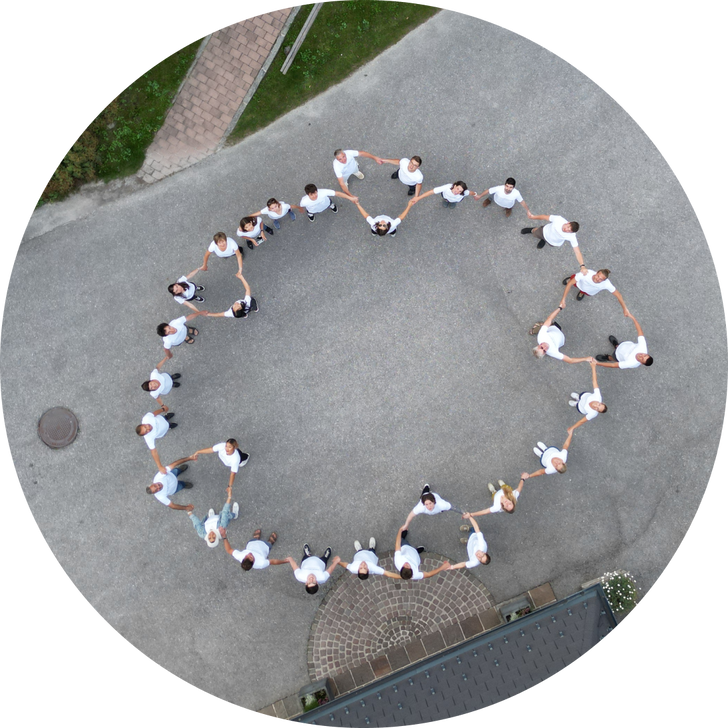
Preguntas frecuentes
¿Qué es GeoGebra?
GeoGebra es una plataforma de matemáticas interactiva para la enseñanza y el aprendizaje. Proporciona calculadoras y aplicaciones de aprendizaje, recursos educativos listos para usar, herramientas para crear materiales y funciones para lecciones interactivas en el aula. GeoGebra es utilizado por profesores y estudiantes en la escuela y la universidad.
¿Qué puedo hacer con GeoGebra?
Puedes usar GeoGebra para realizar cálculos, gráficas, resolver ecuaciones, crear construcciones geométricas dinámicas, explorar matemáticas en 3D y trabajar con datos y estadísticas. También puedes usar recursos de aprendizaje listos para usar, crear tus propios materiales y compartir actividades interactivas con los estudiantes. Durante una lección de GeoGebra, los profesores pueden seguir el progreso de los estudiantes y ofrecer apoyo.
¿Para quién es GeoGebra?
GeoGebra está diseñado principalmente para profesores y estudiantes de matemáticas, desde la escuela hasta la universidad. Los profesores pueden usarlo para explicar conceptos y crear actividades de aprendizaje interactivo. Los estudiantes pueden explorar las matemáticas visualmente, practicar sus habilidades y probar sus ideas.
¿GeoGebra es gratis?
Las calculadoras, las aplicaciones y los recursos educativos de GeoGebra son gratis para uso no comercial. Esto incluye la mayoría de los usos de profesores, estudiantes y padres en la escuela, la universidad o el hogar. El uso comercial requiere una licencia aparte. Si no estás seguro de si tu uso previsto es comercial, ponte en contacto con Equipo de colaboradores GeoGebra.
¿Qué aplicación de GeoGebra debo usar?
Para la mayoría de los profesores y estudiantes, recomendamos Suite Calculadora GeoGebra. Combina nuestras principales herramientas matemáticas en una sola aplicación y funciona en diferentes dispositivos y plataformas. Si necesitas una aplicación con un conjunto más limitado de herramientas o deseas crear recursos avanzados de GeoGebra, visita página de descargas para comparar las opciones disponibles.
¿Necesito una cuenta para usar GeoGebra?
No. Puedes usar muchas funciones de GeoGebra sin una cuenta. Por ejemplo, puedes crear construcciones y visualizaciones, resolver ejercicios, buscar recursos y guardar archivos localmente en tu dispositivo. Necesitas una cuenta si deseas guardar tu trabajo en línea, acceder a él desde diferentes dispositivos o utilizar las funciones de uso compartido en línea de GeoGebra. Puedes crear una cuenta utilizando una cuenta existente de Google o Microsoft.
¿Puedo usar GeoGebra sin conexión a Internet?
Sí. Una vez que hayas descargado e instalado una aplicación GeoGebra, puedes utilizar sus principales herramientas matemáticas sin conexión a Internet. Todavía necesitarás una conexión a Internet para buscar recursos en línea, iniciar sesión en tu cuenta de GeoGebra o guardar y compartir trabajos en línea. Puedes guardar tu trabajo localmente en tu dispositivo mientras estás fuera de línea.
¿Dónde puedo obtener ayuda con GeoGebra?
Puedes encontrar instrucciones, tutoriales y respuestas a preguntas comunes en Centro de ayuda de GeoGebra. Si no puedes encontrar la respuesta que necesita, puedes Pide ayuda a la comunidad de GeoGebra e intercambiar consejos con otros usuarios.
Comienza a utilizar GeoGebra hoy
Crea una cuenta gratuita para poder guardar tu progreso en cualquier momento y acceder a miles de recursos matemáticos que puedes personalizar y compartir con otros